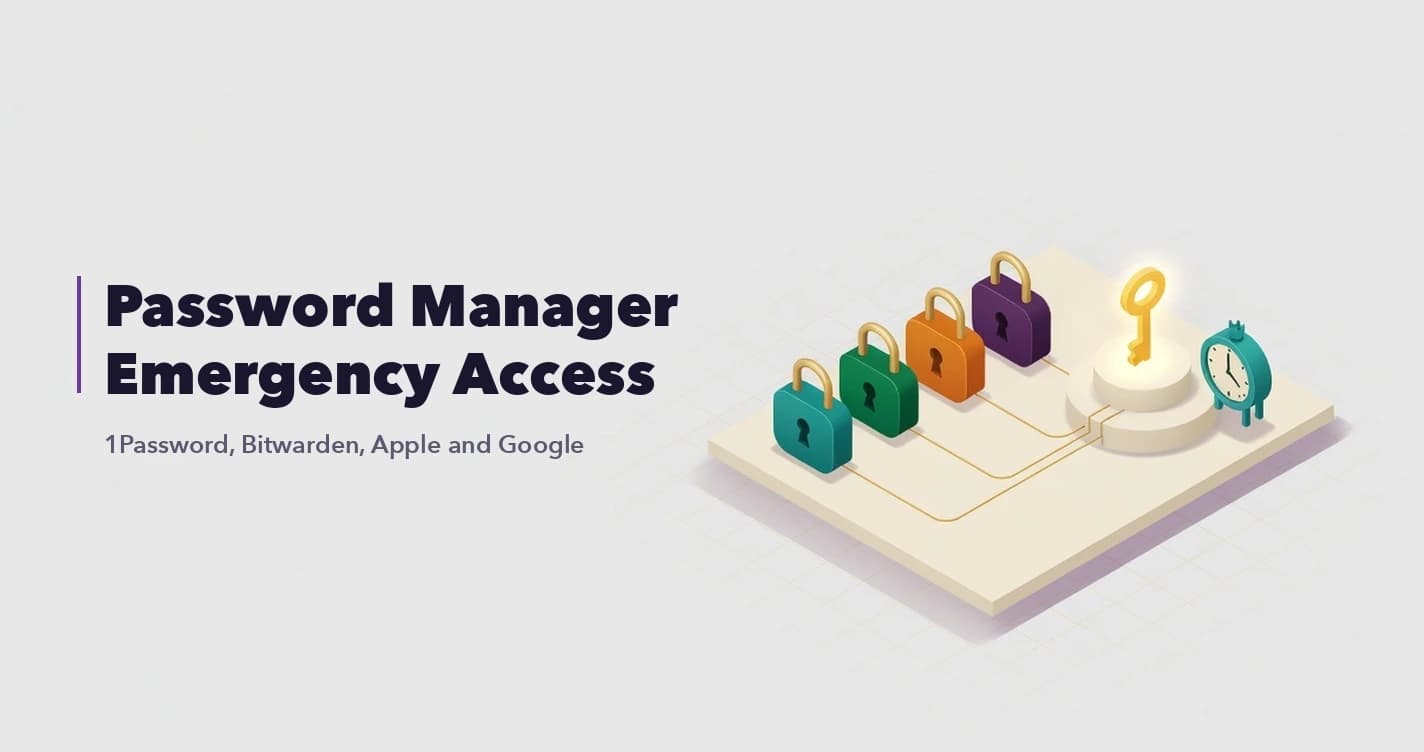


Think of a secure digital vault as an encrypted online space for the documents your family would need if you died or couldn't act for yourself. Your will, deeds, insurance policies, account details and instructions. The safest ones encrypt everything on your own device before it's uploaded, so the company storing it can't read it.
What is a secure digital vault?
It's an online store for important records, built to be opened by you now and by people you choose later, under rules you set in advance.
How is that different from what you already use? A cloud drive such as Google Drive or Dropbox keeps files away from strangers, but its hand-over options are basic. Google's Inactive Account Manager, for example, can share chosen data with up to 10 people once your account has been inactive for a set time. A bank safe deposit box is private, but your family has to know it exists, and how to get the bank to open it. A vault tries to give you one place for the records and a planned way in for your family.
What documents should you store in a digital vault?
Store copies of whatever your family would need to find, prove and claim what you own. Then add a short note that ties it all together. Here's a practical list:
- Passports, national ID or Emirates ID, birth and marriage certificates
- A scan of your signed will, with a note on where the original is kept or registered
- Title deeds, mortgage papers and property tax records
- Insurance policies, with policy numbers and the insurer's contact details
- A list of your bank, brokerage and pension accounts, with the institution, account number and relationship manager
- Company papers: share certificates, shareholder agreements and signing rights
- Crypto records, meaning the exchanges you use, the make of any hardware wallet, where it's kept, and where its seed phrase backup is stored
- Medical directives, and contact details for your lawyer, accountant and adviser
- A one-page letter explaining what's where and who to call first
Remember that a scan is a copy. Depending on the country, the original signed will may still be needed, so tell your family where it is and ask a local lawyer how to keep it. A dated fingerprint such as a Certificate of Immutability can show that a copy hasn't changed since that date. It doesn't make a will valid, though.
What should you never store in a digital vault?
Leave out anything a provider tells you never to share. Same goes for any secret that would let someone move money straight away.
- Google 2-Step Verification backup codes. Google's own help page tells you not to share your backup codes with anyone, and a vault that's built to open for your family later is a way of sharing them. For those accounts, use Google's Inactive Account Manager and Apple's Legacy Contact instead.
- The seed phrase for a crypto wallet. Record the wallet, where its backup is kept and how an heir should approach it. Keep the phrase itself offline.
- The PIN or recovery secret for the vault itself. Locked inside, it can't help you get in.
What does zero-knowledge mean?
It means the vault locks your files on your own phone or computer before they're uploaded, and only you hold the key. The company ends up storing data it has no way to open.
Most online services encrypt your files in some way, so the useful question is who holds the key. Apple explains the difference on its own support page. With its default iCloud setting, Apple keeps the encryption keys in its data centres so it can help you recover your data. With its optional Advanced Data Protection, Apple doesn't have the keys for most of your data. So when a vault's website says "AES-256", it's naming the lock. That tells you nothing about who has the key.
There's a flip side. A provider that can't read your files also can't reset your access if you lose every key. We explain what that means, and how to plan for it, in What happens if you lose the keys to a zero-knowledge vault?
What should you ask a digital vault provider?
Ask who can open your files, how you get back in if you lose access, and how your family gets in after you. Privacy is a common worry in the region. In EY's GCC Wealth Management Industry Report (November 2025), 60% of wealthy clients in the Middle East said they were concerned about data privacy, against a global average of 51%.
The questions we'd start with:
- Are files encrypted on my device before upload, and who holds the key?
- Can your staff read my files, or hand them over if a court asks?
- If I forget my password or lose my phone, can you reset my access? If they say yes, the company can also get into the data.
- Can I sign in with a hardware security key, or only with a password and a text code?
- Which country are my files stored in, and can I choose?
- How does my family get access, what triggers it, and can a mistaken trigger be stopped?
- Will each person see only what I left them?
- Can I export everything if I leave, and what happens to my vault if you close?
How does your family get access later?
Decide this before you upload anything. If your family can't open the vault after you, it hasn't done its job.
Good vaults release access through rules you set in advance. That could be a trusted person confirming what has happened, a timer that starts after a long silence from you, or a fixed date. Look for checks that protect you while you're alive, too. A timer should try to reach you first, and a trigger pulled by mistake should be reversible for a set period. Each person should get only what you meant for them.
And tell your family the vault exists, even though they can't see inside it yet.
BlockWill's SecureVault works this way. Your files and the details you type are encrypted on your device. If you lock the vault with a passkey or hardware key, BlockWill can't open it. If you have no passkey and choose to save your BlockWill Secret with BlockWill in the Secret Manager, that saved secret could open your vault, because BlockWill holds the key to it. You choose the country where your vault files are stored, with options that include the UAE, the US, Singapore and Japan. VaultRelay then releases each beneficiary's own sealed vault through an executor trigger with a cooldown, an inactivity timer that asks your executors to check on you first, or a fixed date you choose.
Advisers: send this to the client whose important papers live in one email folder and one person's memory.
Frequently Asked Questions
Is it safe to store important documents online?
It can be, if the files are encrypted on your device before upload and the provider doesn't hold the key. Check how you sign in, too. The US cyber agency CISA says FIDO/WebAuthn sign-in, the standard security keys use, is the only widely available form of authentication that resists phishing.
What is the best way to store important documents digitally for family?
Scan each document into one encrypted vault rather than spreading copies across email and cloud drives, and add a short note on what's where. Set up how your family gets access later and tell them the vault exists. Then review it once a year.
Should I keep passwords in a digital vault?
Record which accounts exist and what your family should do with each one. For Google and Apple, use their own legacy tools. Apple's security guide notes that a Legacy Contact's access does not include the deceased person's iCloud Keychain, so saved passwords need a separate plan. And never store Google backup codes.
Can a digital vault replace a will?
No. A vault can hold a copy of your will, but it has no legal effect on who inherits. That's decided by a valid will or, if there isn't one, by the law of your country. What the vault does is keep that copy next to everything an executor needs to act on it.
What happens to my digital vault when I die?
It depends on the access rules you set. In a well-built vault, the people you chose get access after a confirmed trigger, and each one sees only what you left them. With no rules in place, a zero-knowledge vault just stays locked.
Further reading:
- How to make a digital asset inventory (free template)
- How to set up Legacy Contact on Apple and Google
- Using a hardware security key to protect your family vault
Sources:
- Google Account Help, About Inactive Account Manager: https://support.google.com/accounts/answer/3036546?hl=en
- Google Account Help, Sign in with backup codes: https://support.google.com/accounts/answer/1187538?hl=en&co=GENIE.Platform%3DDesktop
- Apple Support, iCloud data security overview (Jan 2026): https://support.apple.com/en-us/102651
- Bitwarden, Forgot My Master Password: https://bitwarden.com/help/forgot-master-password/
- 1Password Support, If you forgot your 1Password account password or you can't unlock the app: https://support.1password.com/forgot-account-password/
- EY, EY GCC Wealth Management Industry Report 2025 (Nov 2025): https://www.ey.com/content/dam/ey-unified-site/ey-com/en-ae/insights/wealth-asset-management/documents/ey-gcc-wealth-management-industry-report-11-2025.pdf
- CISA, More than a Password: https://www.cisa.gov/MFA
- Apple Platform Security, Legacy Contact security: https://support.apple.com/en-gb/guide/security/secebf027fb8/web