
Think about what lives in your cloud account. Years of photos. Notes you never printed. Messages you would hate to lose. All of it sits behind a login only you know.
Apple and Google both let you choose someone who can reach some of that data after you die. If you set up legacy contact access now, your family skips a much harder process later. On Apple's side, that harder process can mean getting a court order.
This is a practical guide to both tools, using each company's own help pages as they read in October 2026. It also covers what each leaves out, because neither is a full plan.
The short answer
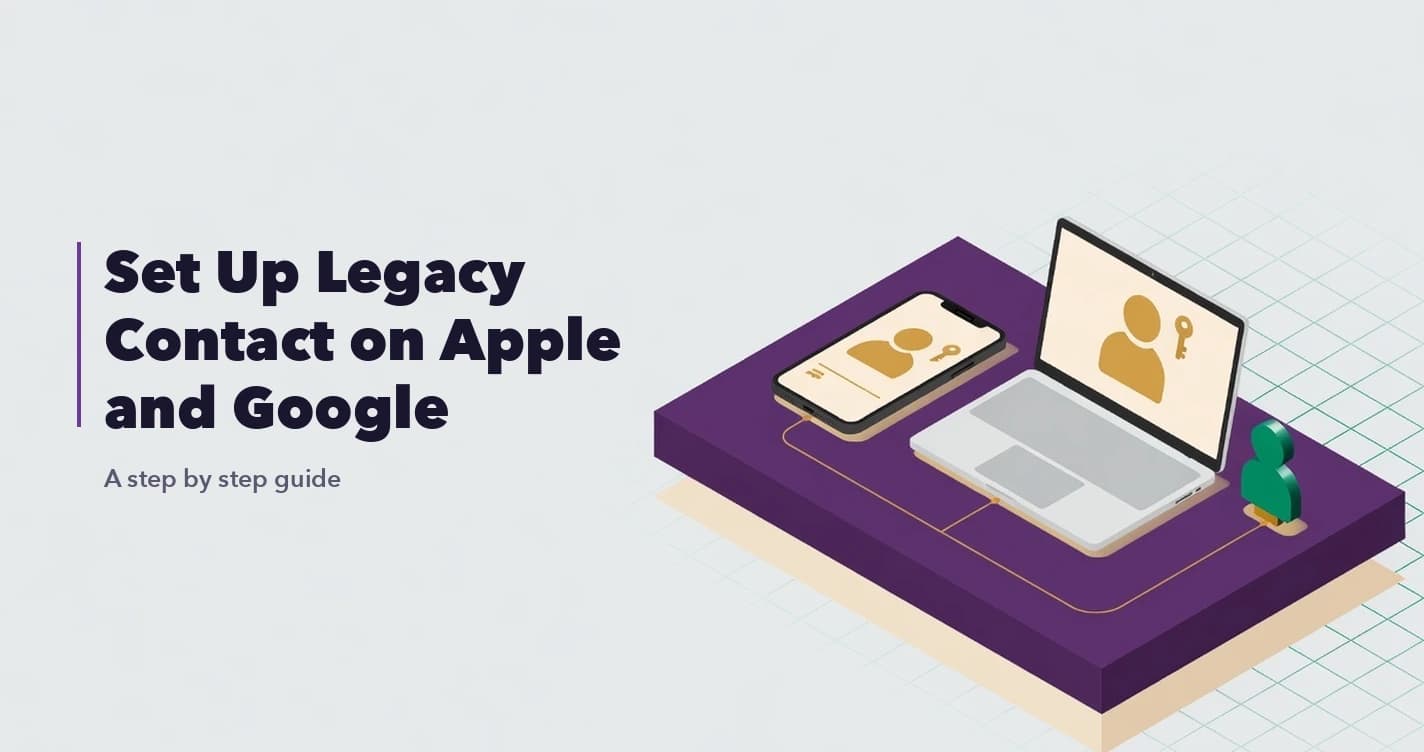
Apple calls its feature Legacy Contact. This is a person you name in your Apple Account settings. After you die, they can ask Apple for access to data you stored in iCloud and in your iCloud Backup. They need two things: the access key you create when you add them, and your death certificate. Apple reviews each request before it grants access.
Google's version is called Inactive Account Manager, and the people you pick are called trusted contacts. It is a plan that runs when your Google Account has been inactive for a period you choose. Google can then email up to 10 people, share the data you picked with them, and delete the account if you asked it to.
The big difference: Apple's tool starts with proof of death. Google's starts when your account goes quiet.
How to set up Legacy Contact on iPhone, iPad or Mac
Before you start, here is what Apple asks for:
- An Apple device running iOS 15.2, iPadOS 15.2, macOS Monterey 12.1 or later.
- Two-factor authentication turned on for your Apple Account.
- The person you pick does not need an Apple Account or an Apple device.
- To request access later, they must be over 13. Apple notes the age varies by country or region.
On an iPhone or iPad:
- Go to Settings, then tap your name.
- Tap Sign-In & Security, then tap Legacy Contact.
- Tap Add Legacy Contact. You might need Face ID, Touch ID or your passcode.
- Pick someone from your Family Sharing group, or tap Choose Someone Else to add a person from your Contacts by phone number or email.
- Choose how to share the access key: Send an iMessage or Print a Copy.
On a Mac:
- From the Apple menu, choose System Settings, then click your name.
- Click Sign-In & Security, then click Legacy Contact.
- Click Add Legacy Contact. You might need Touch ID or your Mac login password.
- Pick a Family Sharing member, or click Choose Someone Else.
- Choose how to share the access key.
Apple emails you a confirmation when a Legacy Contact is added. You can add more than one. Apple warns that any one of them can make decisions about your data on their own, including deleting the account for good, so pick people you would trust with your photos and messages.
Keep the access key safe
Apple calls the access key "extremely important." Your Legacy Contact needs it to file a request, and again to finish setting up the special account Apple gives them. Apple says it cannot access or replace a lost key.
If you send it by iMessage, a copy is saved in their Apple Account settings automatically when they accept. Apple suggests you confirm they received it. If either of you has iMessage turned off, this option does not appear.
If you print it, you can hand them a paper copy, send a PDF or screenshot, or save a copy with your estate planning documents.
To find the key again later, go to Settings, tap your name, tap Sign-In & Security, then Legacy Contact. Tap the person's name, then View Access Key. If they are nearby, they can scan the QR code with their own device.
A key nobody can find does little good, so tell your Legacy Contact where their copy is.
What your Apple Legacy Contact can and cannot see
Your Legacy Contact can reach iCloud Photos, Notes, Mail, Contacts, Calendars, Reminders, Messages in iCloud, call history, files in iCloud Drive, Health data, Voice Memos, Safari bookmarks and Reading List, and anything in an iCloud Backup.
They cannot reach purchased movies, music and books, subscriptions and in-app purchases, or payment information for your Apple Account or Apple Pay. Nor can they reach anything in iCloud Keychain, which includes saved passwords, passkeys, internet accounts, autofill card details and Wi-Fi passwords.
Access does not last forever. It runs for three years from when Apple approves the first Legacy Contact request. After that, Apple permanently deletes the account. Once a request is approved, your original Apple Account stops working and Activation Lock is removed from devices that used it.
That makes the three years a window, not an archive. Anything your family wants to keep should be downloaded within it.
How to set up Google Inactive Account Manager
Google's help page explains what the plan does rather than listing every screen. Here is the flow, based on that page and Google's own announcement of its inactive account policy.
- Open the Inactive Account Manager page at myaccount.google.com/inactive and sign in.
- Set how long Google should wait before your plan runs. Google's announcement described the window as up to 18 months.
- Add up to 10 trusted contacts. For each one, choose whether they are only notified or also get data. You can share all data types or only some, and give different people different data. Google notes that some information can't be shared.
- Add a phone number for anyone who will get data. Google says it uses that number only to check that the right person downloads your data.
- Write the email subject and message your contacts will receive.
- Decide on the extras. Google's announcement lists a Gmail autoreply and deleting the account entirely as options.
You can change contacts or turn the plan off later from the same page.
Google decides you are inactive by looking at your last sign-ins, your recent activity in My Activity, Gmail use (for example, the Gmail app on your phone) and Android check-ins.
Your contacts receive nothing during setup. Once the waiting period passes, they get your message with a footer from Google explaining that you set it up. If you shared data, the email also lists what you shared and links to a download. That message is worth writing slowly: it may be one of the first things someone reads from you after you are gone.
What happens if you set nothing up
Without an access key, Apple generally needs a death certificate and might also need a court order. In the U.S., Israel and some other places, the court order must name the person asking as the rightful inheritor of the data, and only one person can make that request. Some countries accept other documents instead. Family can also ask Apple to delete the account.
On Google's side, a personal account that has been inactive across Google for at least two years may be deleted. Google also says it can work with immediate family to close a deceased person's account, and in certain cases may provide content from it.
None of this is impossible. It just asks the most of your family when they have the least to give. If you are on that side of it now, our guide on accessing a deceased person's email and social media accounts walks through what to expect.
Why Apple and Google legacy tools are not enough on their own
Both tools are worth setting up. They also have clear limits.
They cover one company each. Apple's key does nothing for your Gmail. Google's plan does nothing for your iCloud. Neither touches your bank, other platforms or work accounts.
Passwords are left out on Apple. Because iCloud Keychain is excluded, your Legacy Contact can see your photos but not the saved logins that open everything else.
They must be set up in advance. If you have not done it, your family is back to court orders and deceased-user request forms.
Google runs on silence, not on proof of death. Pick a waiting period you are comfortable with, and keep your contacts' details up to date.
Neither covers crypto. Seed phrases, hardware wallets and exchange accounts sit outside both tools. See what happens to crypto when someone dies without sharing keys.
And neither tells anyone what you own. A Legacy Contact only finds what is in the account. Nobody gets a list of your other accounts, domains, subscriptions or policies. That missing list is the real gap, and why families often have no idea what assets exist explains why it matters.
The bottom line
Setting up a legacy contact on Apple and Google is one of the kindest small things you can do for your family. But the settings are the easy part. A will covers who gets what under the law where you live. A written inventory tells your executor, or a digital executor if you name one, what exists and where. These settings handle two slices of that list.
BlockWill does not connect to Apple or Google, and it cannot replace these settings. What we give you is one place to record digital accounts (email, social media, cloud storage and more) alongside property, bank accounts and crypto wallets. Vault contents are encrypted in your browser with AES-256-GCM before upload, and you choose how the vault is released to your executor and beneficiaries. In DigiWish you can add a free-text note to each asset, such as where the printed Apple access key is kept.
If your parents use an iPhone or a Google account, helping them set this up is a gentle way into the talk about their digital assets. Start with one setting. The rest can follow.
Frequently Asked Questions
How do I set up a legacy contact on my iPhone?
Go to Settings, tap your name, tap Sign-In & Security, then Legacy Contact, then Add Legacy Contact. Pick the person and share the access key by iMessage or a printed copy.
Can an Apple Legacy Contact see my passwords?
No. Apple excludes everything in iCloud Keychain, including saved passwords, passkeys, internet accounts, autofill card details and Wi-Fi passwords, and payment information is excluded too.
Does my Legacy Contact need an iPhone or Apple Account?
No. Apple says they do not need an Apple Account or Apple device. They do need the access key and your death certificate, and must be over 13 (the age varies by country or region).
How long does a Legacy Contact have access to my data?
Three years from when Apple approves the first Legacy Contact request. After that, Apple permanently deletes the account, so download anything worth keeping before then.
How many people can I add to Google Inactive Account Manager?
Up to 10. You can share different data with each one, or only notify them.
What happens to my Google account if I die without a plan?
Google may delete a personal account that has been inactive across Google for at least two years. Google also says it can work with immediate family to close a deceased person's account, and in certain cases may provide content from it.
Sources
- Apple Support, How to add a Legacy Contact for your Apple Account: requirements, setup steps, access key.
- Apple Support, Data that a Legacy Contact can access: included and excluded data.
- Apple Support, Request access to an Apple Account as a Legacy Contact: what the contact needs, three-year limit, Activation Lock.
- Apple Support, Request access to a deceased family member's Apple Account: the court order route.
- Google Account Help, About Inactive Account Manager: contacts, phone verification, activity signals.
- Google Account Help, Inactive Google Account Policy: two-year inactivity deletion policy.
- Google Account Help, Submit a request regarding a deceased user's account: working with immediate family, providing content.
- Google, Updating our inactive account policies: waiting period of up to 18 months, autoreply, deletion.
Further reading:
- The 30-Minute Digital Estate Plan: An Operations Walkthrough, a quick way to cover the accounts these tools miss.
- Client-Side Encryption: Why BlockWill's Servers Never See Your Will, how in-browser encryption works.