
Ask any estate professional what goes wrong most often with digital assets, and the answer is rarely something exotic. It is that the family simply did not know what existed. An old brokerage account, a wallet on an exchange, a domain worth thousands, a cloud drive full of irreplaceable photos, all invisible because no one wrote them down. A digital asset inventory is the humble document that prevents this, and building one is the single highest-leverage hour you can spend on your digital estate.
This guide shows you how to make an inventory of your digital assets step by step, what to include, how to keep it secure, and how to turn it into something your family can actually use. You can download the free inventory template (CSV) and start filling it in immediately. It opens in Excel, Google Sheets or Numbers.
The short answer
A digital asset inventory is a structured list of everything you own or control digitally, what it is, where it lives, and how it is accessed, so your family can find and reach it when you cannot. Build it by category (financial, crypto, accounts, documents, subscriptions, and sentimental), record location and access notes rather than raw passwords, store it in an encrypted vault, and keep it updated. It is the foundation every other part of digital estate planning depends on.
Why an inventory comes first
Every other digital estate step assumes you know what you have. Legacy contacts, vaults, wills, beneficiary designations, all of them operate on specific assets. If an asset is not on anyone's radar, no tool can protect it. That is why the inventory is the foundation. It converts the vague worry of "my family will figure it out" into a concrete, finite list that can actually be handled.
It also does something quietly valuable for you: it surfaces things you have forgotten. Most people, doing this for the first time, find at least one account or asset they had completely lost track of.
What to include, by category
Work through these categories one at a time. Trying to remember everything at once is overwhelming; going category by category is not.
Financial accounts. Bank accounts, brokerage and investment accounts, retirement accounts, payment apps, and any business banking. Note the institution and the type, not the login secrets themselves.
Cryptocurrency and digital assets. Exchange accounts, self-custody wallets, hardware wallets, and where the seed backups live. Because these are unrecoverable if lost, they deserve special care, which we cover in making sure your family can access your crypto.
Online accounts. Primary email first, since it unlocks the rest, then social media, cloud storage, and shopping or loyalty accounts with real value.
Legal and identity documents. Your will, insurance policies, property deeds, passports, and tax records. Note where the authoritative copies are.
Subscriptions and domains. Recurring services that keep charging, and domain names that can lapse and be lost. These are easy to overlook and genuinely matter.
Sentimental assets. Photo libraries, video archives, and anything with emotional rather than financial value. Families often grieve the loss of these most.
How to record access without writing down passwords
The most common mistake is turning the inventory into a plaintext list of passwords. Do not do that. A document full of live credentials is a catastrophic liability if it is ever seen by the wrong person.
Instead, record location and access method, not the secrets themselves. For each asset, note what it is, where it lives, and how it is accessed in principle, for example "held in the password manager" or "seed backup in the vault." The actual credentials and keys belong in an encrypted store, not in the inventory itself. Think of the inventory as the map, and the secure vault as the locked room the map points to.
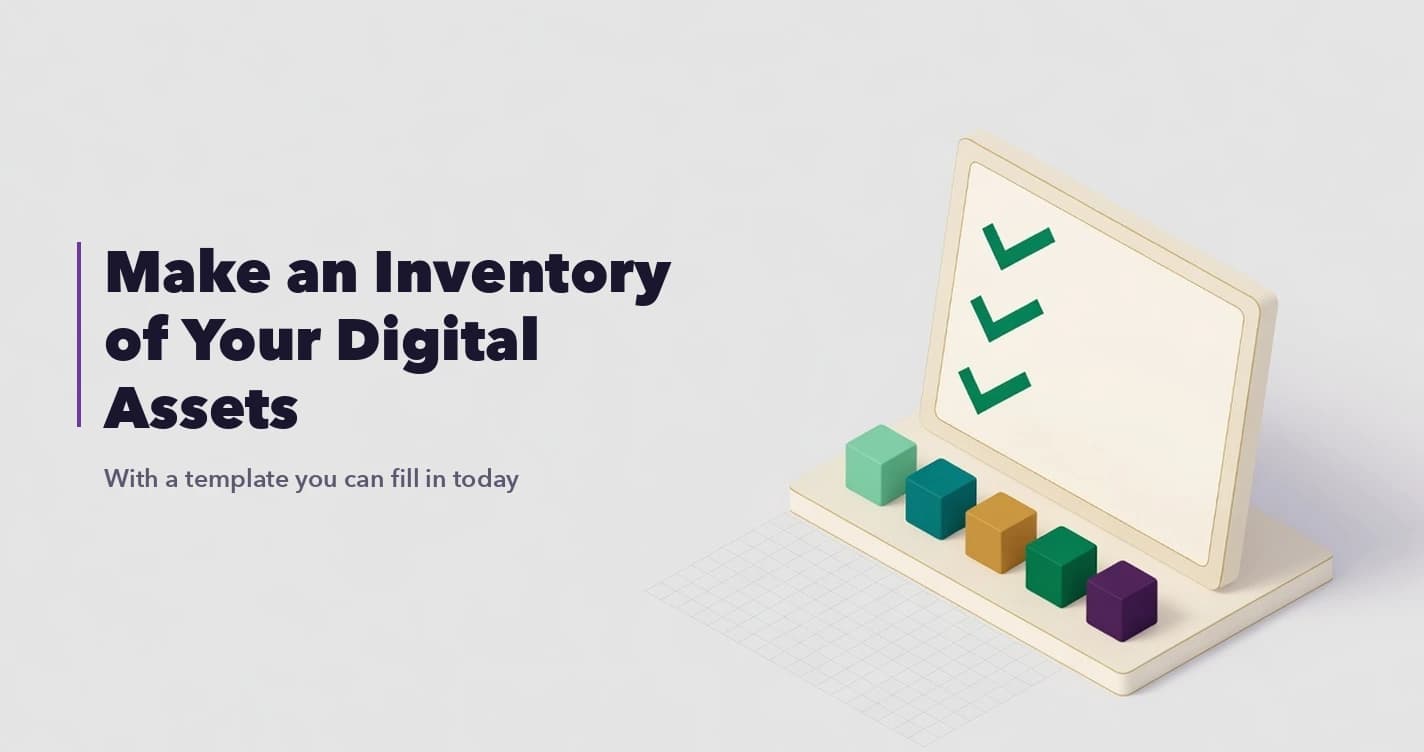
The template is built this way. It has one row per asset, grouped by the six categories above, with columns for what the asset is, where it lives, where the login or key is kept, the recovery or backup location, who should receive it, and instructions for your executor. There is deliberately no column for passwords. Fill it in, then store the finished file somewhere encrypted rather than leaving it on your desktop.
Keep it secure and current
An inventory is sensitive by nature, so where you keep it matters as much as what is in it. A file on your desktop or a note in your phone is not adequate. Store it encrypted, in something like SecureVault, where it is encrypted in your browser before upload and released to your family only through a release process you set up.
And treat it as living. Set a recurring reminder, once or twice a year, or after any major change like a new account, a move, or a new crypto holding, to update it. An inventory that is three years stale can be worse than none, because it sends your family chasing accounts that no longer exist while missing new ones.
From inventory to a working plan
The inventory is the input; the plan is what you build on top of it. Once you have the list, connect the platform legacy tools to the relevant accounts, store the actual credentials and documents in your vault, name your beneficiaries, and make sure your will reflects the same assets. The full picture of how these accounts behave after death is laid out in what happens to your digital accounts after you die. With the inventory done, each of those steps becomes concrete instead of abstract.
The bottom line
Making an inventory of your digital assets is unglamorous and quietly decisive. It is the difference between your family working from a clear map and searching in the dark. Spend the hour, go category by category, record locations rather than secrets, store it encrypted, and keep it current. Everything else in your digital estate plan gets easier once this one document exists.
Frequently Asked Questions
What is a digital asset inventory?
It is a structured list of everything you own or control digitally, including financial accounts, crypto, online accounts, documents, subscriptions, and sentimental files, recording what each asset is, where it lives, and how it is accessed, so your family can find and reach it when you cannot.
Should I write my passwords in the inventory?
No. Recording live passwords in the inventory creates a serious security risk. Note the location and access method instead, for example that a credential is in your password manager or a key backup is in your vault, and keep the actual secrets in an encrypted store.
Where should I keep my digital asset inventory?
Somewhere encrypted and access-controlled, such as a zero-knowledge vault, rather than a plain file on your device or a note in your phone. It should be protected while you are alive and reachable by your family only when a triggering event is verified.
How often should I update it?
At least once or twice a year, and after any major change such as opening a new account, moving, or acquiring a new crypto holding. A stale inventory can send your family chasing accounts that no longer exist while missing new ones.
Why is the inventory so important?
Because every other digital estate step operates on specific assets. If an asset is not written down, no tool or legal document can protect it. The inventory is the foundation that makes legacy tools, vaults, and wills actually effective.
Further reading: