
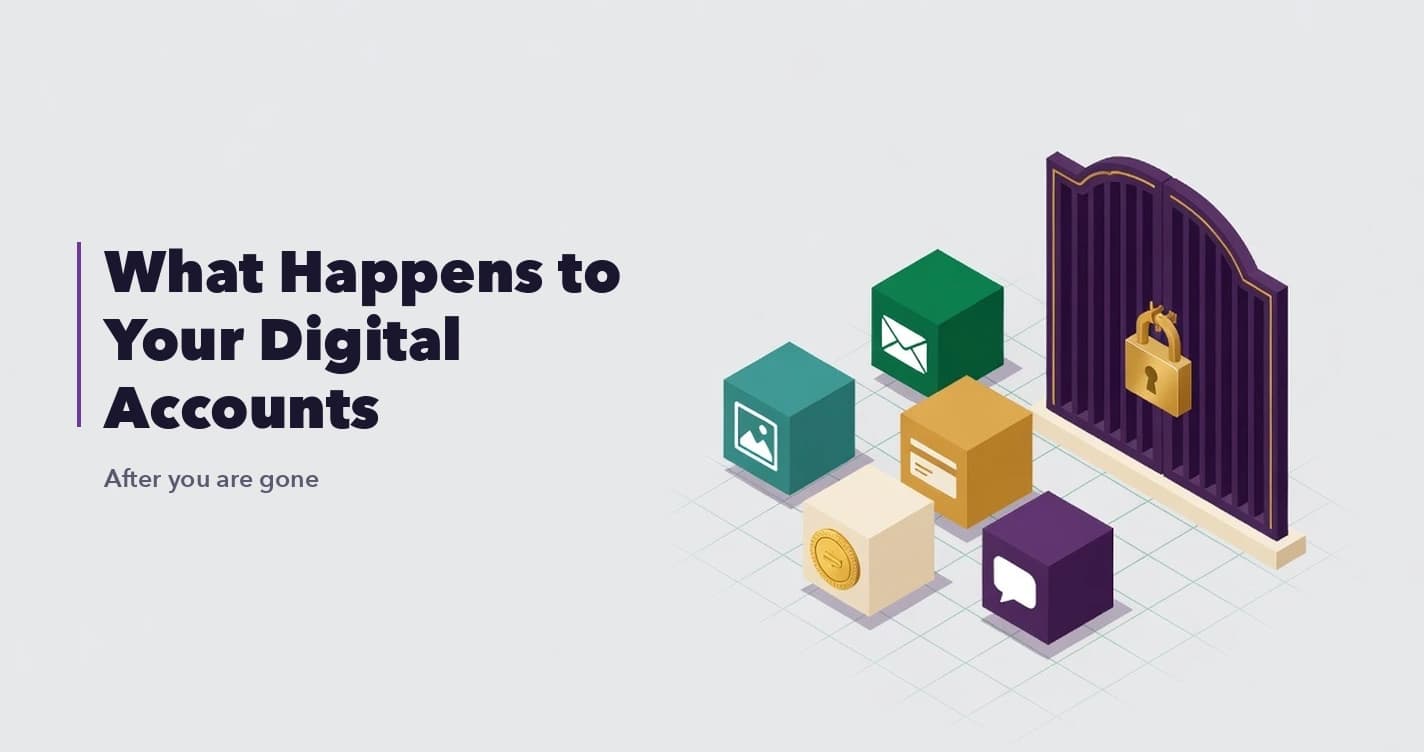
When someone dies, their physical belongings are handled by well-worn processes. A will names who gets the house, the executor distributes the accounts, the probate court supervises. But a growing share of what we own is not physical at all. It is digital accounts: email inboxes, cloud photo libraries, banking and brokerage logins, social media profiles, subscriptions, domains, and increasingly, cryptocurrency. What happens to your digital accounts after you die is a question most people never ask, and the answer is unsettling: often, nothing good.
This guide walks through what actually happens to each category of digital account after death, why your family so often gets locked out, and the concrete steps you can take now so your digital life reaches the people you love instead of vanishing behind a login screen.
The short answer
When you die, your digital accounts do not automatically transfer to anyone. Most are governed by terms of service that grant you a personal, non-transferable license, not ownership that passes to heirs. Without advance planning, your family faces a patchwork of provider-specific death processes, legal uncertainty, and in many cases permanent loss of access. The fix is to inventory your accounts, use each platform's legacy tools, and put critical access and documents into a digital inheritance system that releases them to the right people only on a trigger you set up in advance.
Why your family gets locked out
There are three walls standing between your family and your digital accounts, and they compound.
The first is the terms of service. When you signed up for most services, you agreed to terms that give you a personal license to use the account, not an asset you own outright. Many explicitly prohibit transferring the account or sharing credentials, and some state that the account terminates on death. So even a well-meaning family member logging in with your password may be violating the agreement.
The second is encryption and security. Modern accounts are protected by two-factor authentication, passkeys, and device-based verification. Even if your family knows your password, a login attempt from a new device can trigger a code sent to a phone they cannot unlock. Good security for you becomes a locked door for them.
The third is the law. Digital assets sit in a still-maturing legal area. In the US, a framework called RUFADAA governs fiduciary access to digital assets, but it defers heavily to the tools the platforms themselves provide and to what you explicitly authorized. Across the UAE, India, and other jurisdictions, the rules differ again. The result is that your executor may have the legal right to your estate on paper and still no practical way to open your accounts.
What happens to each type of account
Email is the master key, because password resets for almost everything else flow through it. Providers do not transfer email accounts to heirs. Google offers Inactive Account Manager, which lets you designate people to receive data after a period of inactivity. Without something like that set up in advance, your family typically must go through a formal request process with no guarantee of access, and the inbox that unlocks everything else stays sealed.
Social media
Most platforms offer memorialization rather than transfer. Facebook and Instagram can memorialize a profile and let a pre-chosen legacy contact manage limited aspects of it. They generally will not hand over the login or the private messages. If you want anything preserved or closed down deliberately, you have to set the legacy options up while you are alive.
Cloud storage and photos
Years of photos and documents live in iCloud, Google Photos, and Dropbox. Apple's Legacy Contact lets you name people who can access your data after death with a key and a death certificate. Without it, families often lose irreplaceable photo libraries entirely, because the provider cannot verify who should inherit them.
Banking and brokerage
Financial accounts do pass through the estate, but access is another matter. Executors must present death certificates and legal authority to each institution, one at a time, often over weeks. Accounts your family does not know about may simply go unclaimed, eventually escheating to the state. An up-to-date inventory is what prevents assets from silently disappearing.
Cryptocurrency
Crypto is the hardest case. If the private keys or seed phrase are lost, the assets are gone permanently, with no support line and no reset. A will can name who inherits your Bitcoin, but the will alone cannot give them the keys. This gap between legal ownership and technical access is exactly where families lose real money, and it is why crypto needs a dedicated approach. Our deeper guide on making sure your family can access your crypto covers this in full.
Subscriptions and domains
Overlooked but real: recurring subscriptions keep charging the estate, and valuable domain names can lapse and be lost if no one knows they exist or how to renew them. These belong on your inventory alongside the bigger accounts.
What you can do now
The good news is that this is all preventable. Four steps cover the vast majority of the risk.
Make an inventory. You cannot protect what no one knows exists. List your important accounts, what they are, and where to find them. Our digital asset inventory guide and template makes this a one-sitting task.
Turn on the platform legacy tools. Set up Google Inactive Account Manager, Apple Legacy Contact, and Facebook and Instagram legacy contacts. They are free and take minutes, though they only cover their own platforms.
Store critical access and documents securely. Passwords, key locations, and legal documents should live somewhere encrypted and reachable by your family on a confirmed event, not on a sticky note or in an unprotected file. A zero-knowledge vault like SecureVault is built for exactly this.
Use a system that releases to the right people on a trigger you set. Platform tools are piecemeal. A digital inheritance platform ties it together. BlockWill's VaultRelay starts a release from a Dead Man Switch date you choose, from inactivity that an executor has to confirm, or from an identity-verified executor reporting a death with a written justification. Most releases then run a cooldown that you or an executor can cancel, so access goes to the people you chose.
Why a password manager is not enough
Many people assume their password manager handles all of this. It does not. A password manager protects credentials for your daily use, and its emergency-access feature, where it has one, was designed for account recovery, not inheritance. It does not check whether anything has actually happened beyond a waiting period, covers only what is in that password vault, and assumes the recipient is already a capable user. We break the difference down fully in password manager vs digital inheritance platform.
The bottom line
What happens to your digital accounts after you die is, by default, confusion and loss. The accounts persist, but the terms of service, the security, and the law combine to keep your family out. A few hours of planning now, an inventory, the platform legacy tools, and a proper inheritance system, is the difference between your digital life reaching the people it was meant for and disappearing behind a login screen forever.
Frequently Asked Questions
What happens to my online accounts when I die?
They do not automatically transfer to anyone. Most are governed by terms of service that give you a personal, non-transferable license. Without advance planning, your family faces provider-specific death processes, security barriers like two-factor authentication, and legal uncertainty, often resulting in permanent loss of access.
Can my family just use my passwords after I die?
Sometimes practically, but often not. Terms of service frequently prohibit sharing credentials, and modern security like two-factor authentication and passkeys can block logins from unfamiliar devices even when the password is known. Relying on shared passwords is fragile and legally gray.
What is the most important account to plan for?
Email, because password resets for nearly everything else run through it. If your family can access your primary email in a controlled, authorized way, much of the rest becomes reachable. It is also the account most worth protecting from the wrong people.
Do platform legacy tools like Apple Legacy Contact cover everything?
No. Each tool only covers its own platform and has limits on what it releases. They are worth setting up, but they leave gaps around crypto, documents, banking access, and cross-platform coordination, which is what a digital inheritance platform is designed to close.
What happens to my cryptocurrency when I die?
If the private keys or seed phrase are lost, the crypto is permanently unrecoverable. A will can say who inherits it but cannot convey the keys. Crypto needs a dedicated inheritance approach that securely stores access and releases it to your heirs on a verified event.
Further reading: